
ChatPic | Fast, Secure and Ephemeral Image Sharing for Everyone
Share photos online for free with extended time options, controlled access, and self-destruct links. Connect with people worldwide in real time and experience secure, anonymized, and ephemeral communication with ChatPic.

210+ Moon PFP: Aesthetic, Anime, Dark, Blue, Sailor Moon and More Styles


157+ Cool Sonic PFP Styles: Aesthetic, Anime, Y2K, Discord and More

271+ Cool Luffy PFP Styles: Boy, Aesthetic, Gear 5, Manga and 4K

370+ Mickey Mouse PFP: Aesthetic, Scary, Cute, Discord and Meme Styles

820+ Batman PFP: Couple, Cute, Discord, Girl, Hello Kitty, Meme and Animated Styles

675+ Teto PFP: Aesthetic, Silly, Mesmerizer, Discord, Christmas and Matching Styles

271+ Scarface PFP: Aesthetic, 4K, Tuff, Black and White, Tony Montana and Matching Styles
What Is ChatPic And Why Is It Used?
ChatPic is a browser-based image sharing platform that allows users to upload and share photos instantly without creating an account or providing personal information.
The platform focuses on speed, privacy, and simplicity. Users select an image, upload it, and receive a secure shareable link that can expire or self-destruct based on time, views, or session rules. This removes registration steps, email verification, and profile creation. The process reduces friction and supports quick communication.
ChatPic supports anonymous sharing and real-time interaction. Users can upload photos, join rooms, and communicate through short conversations. This structure allows private or temporary sharing without public identity or long-term storage.
Share Any Image
Instantly
Upload · Set limits · Get a shareable link
✓ Free ✓ No signup ✓ Works in private browsing
The ChatPic image sharing tool lets you upload and send any photo in seconds using a secure link, with no account and no email required. That means no signing up or subscription is required for you to use this tool. Simply upload your image, choose your settings from the options, and generate a secure shareable link that can expire or self-destruct automatically after defined conditions.
With ChatPic.Pro, you get advanced features with no extra or hidden fee. You can control how many views each IP or individual user can have, set an expiration date for your shared image, use self-destruct links that disable access automatically, and manage access more effectively. This gives you longer availability, private and anonymized sharing, and better control over how your content is used.
The platform works smoothly on mobile, tablet, and desktop with the same simple experience. There are no hidden charges, no storage limits, and no complicated steps. This platform is built to make image sharing faster, safer, and more flexible whenever you need it.
How Does ChatPic Make Image Sharing Faster And Simpler?
ChatPic simplifies image sharing by using instant upload, automatic optimisation, and direct link generation across all devices.
The system works the same on mobile phones, tablets, and desktop computers. Images are compressed during upload, which reduces file size and improves loading speed. This supports users with slow or unstable internet connections.
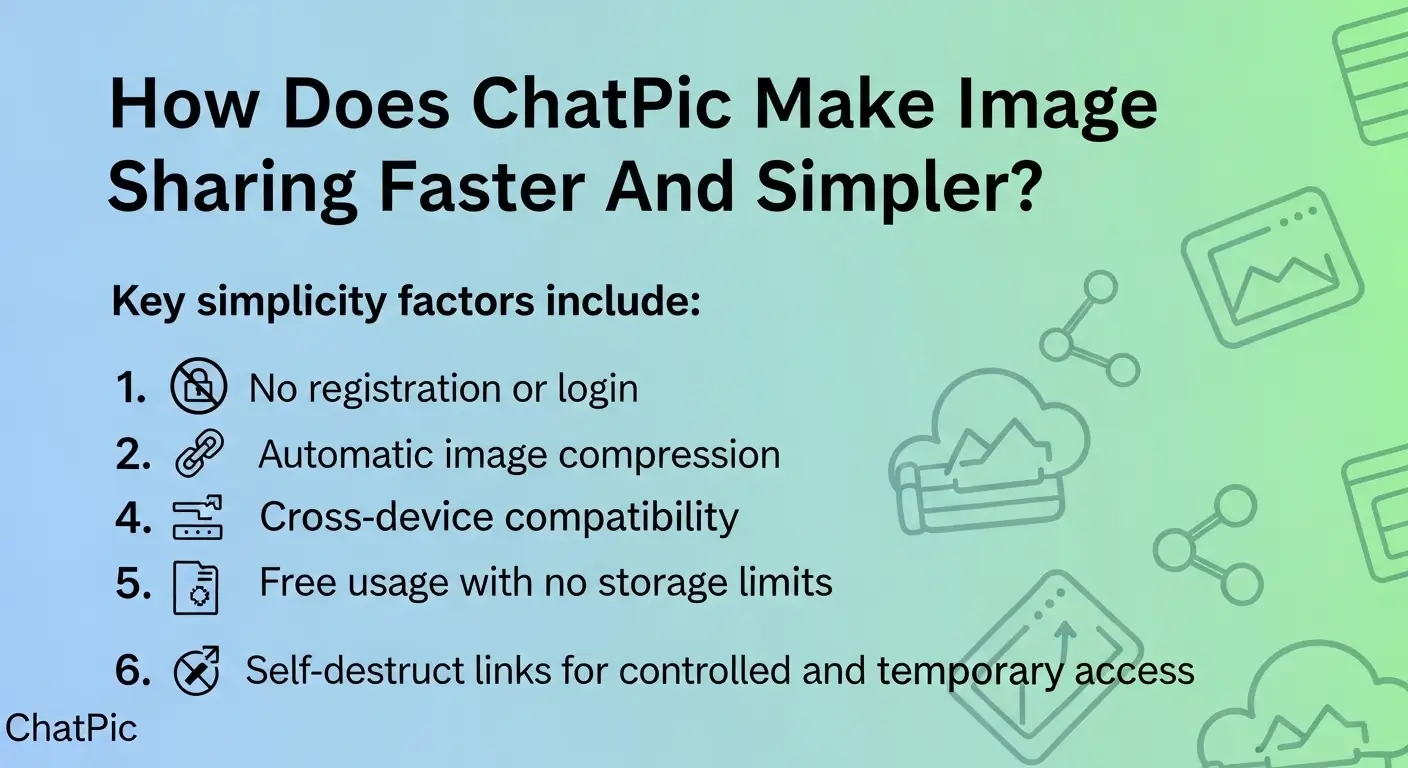
The platform removes common barriers found in traditional services. There are no sign-up forms, no subscription plans, and no hidden charges. This design improves accessibility and reduces user effort.
Key simplicity factors include:
- No registration or login
- Instant shareable links
- Automatic image compression
- Cross-device compatibility
- Free usage with no storage limits
- Self-destruct links for controlled and temporary access
These features make ChatPic suitable for quick sharing, collaboration, and temporary communication.
How does ChatPic work?
ChatPic allows users to upload an image, generate a secure link, and share it instantly without registration or personal data.
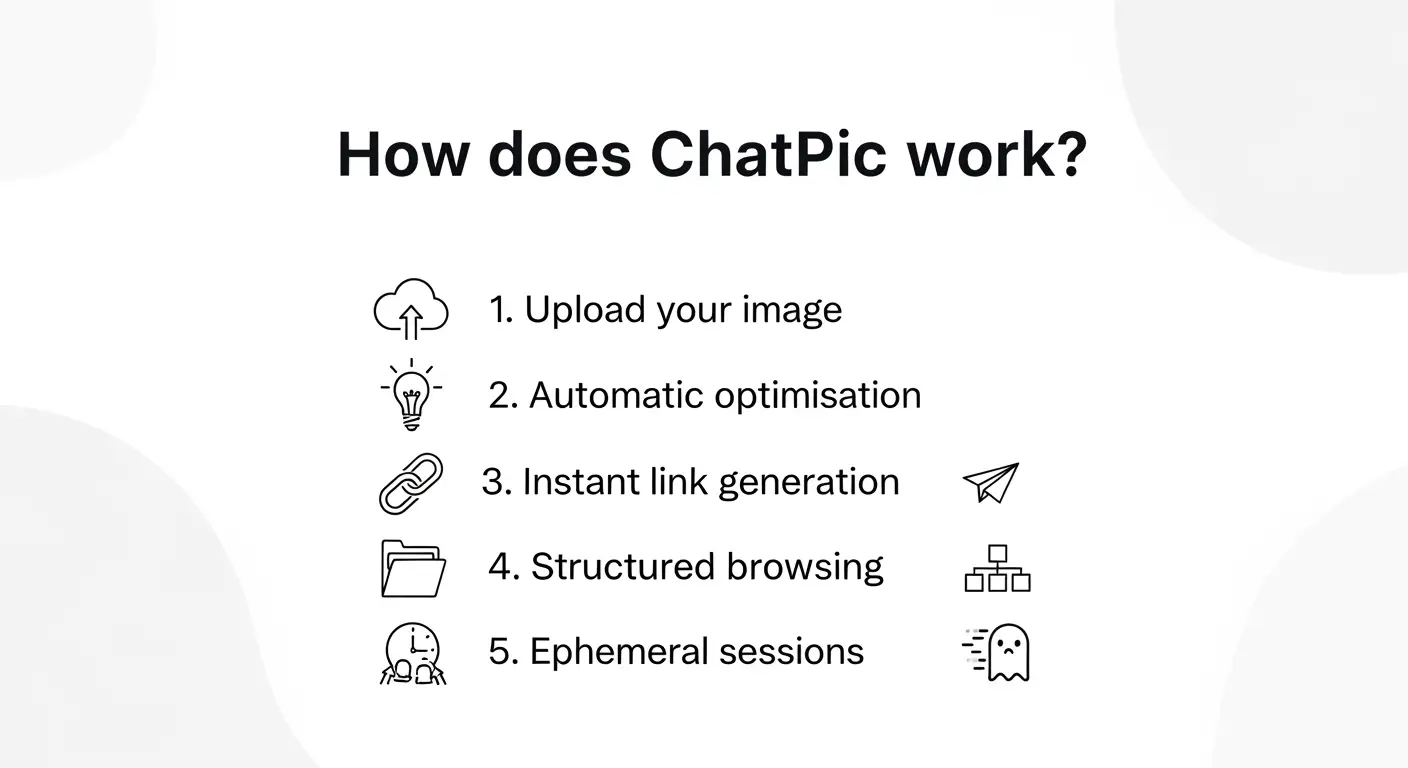
The platform follows an ephemeral image sharing model. This means images are temporary, session-based, and not stored in permanent user accounts. This structure supports privacy, reduces long-term data storage, and gives users more control over their content.
1. Upload your image
Select a photo from your mobile, tablet, or desktop. The system supports formats such as JPEG, PNG, and WebP. No login or identity verification is required.
2. Automatic optimisation
The platform compresses images during upload. This reduces file size, improves loading speed, and supports performance on slower networks.
3. Instant link generation
A unique and secure shareable link is created that can expire or self-destruct automatically after time, views, or session completion. Users copy and distribute the link through messaging apps, email, or collaboration platforms.
4. Structured browsing
Images are organised into categories such as nature, memes, wallpapers, and photography. This helps users find relevant content quickly and improves navigation.
5. Ephemeral sessions
Images are hosted temporarily and removed after a defined period. This ephemeral hosting model strengthens privacy, limits long-term exposure, and reduces storage risk.
For a deeper understanding of how the original platform operated and how it contributed to ChatPic’s evolution, check out How ChatPic worked before.
How To Access ChatPic?
You can access ChatPic instantly through any web browser without installing software or creating an account.

The platform is designed for fast entry, secure sessions, and ephemeral communication. Users open the website, start a session, and share images within seconds. This structure supports anonymized ChatPic access and reduces identity exposure.
Open your browser
Use Chrome, Safari, Firefox, or Edge on mobile, tablet, or desktop. The platform runs in the browser, which improves accessibility and removes installation barriers.
Visit the official website
Go directly to the ChatPic homepage. The system loads quickly even on slower networks because it uses lightweight and secure hosting.
Enter or create a room
Join a public room or create a private space for controlled sharing. This supports secure ephemeral ChatPic sessions and allows contextual communication without login or profile creation.
Upload and share instantly
Select an image and the system generates a secure link in real time. This link can be shared through messaging apps, email, or collaboration tools. The process supports animated, interactive, or watermarked ChatPic content depending on user needs.
These steps make ChatPic suitable for fast, private, and secure visual communication across different environments.
User Manual For Optimal Usage
The platform is designed for fast visual communication. Users access core features directly from the homepage, which supports secure and simple workflows.

1. Share photos
Upload images from your device or take a new photo on mobile. Supported formats include JPEG, PNG, and WebP. Files are compressed automatically to improve speed and performance.
2. Create private rooms
Set up private spaces and share the link with selected users. These rooms are not visible in public browsing and support secure, contextual, and focused communication.
3. Report and manage content
Built-in moderation tools allow users to flag harmful or inappropriate images. This helps maintain a safer and more responsible environment.
For events or group sessions, create private rooms in advance and distribute the access link before the session begins. This improves control and keeps communication organised.
For a more comprehensive guide on using this tool and maximizing your experience, refer to our User Manual. This will walk you through each step in detail and provide helpful tips for using the platform securely and efficiently.”
Why do people use ChatPic?
People use ChatPic because it offers fast, anonymous, and ephemeral image sharing without accounts, personal data, or complex steps.
The platform removes common barriers such as registration, verification, and identity tracking. Users upload an image, receive a secure link, and share it instantly. This simplicity makes it useful for quick communication, collaboration, and temporary sharing.
Speed and simplicity
Uploads are instant, and pages load quickly even on slow internet connections. Automatic compression improves performance and keeps the experience smooth across devices.
Privacy and anonymity
An anonymized ChatPic session allows users to share images without linking content to their identity. This reduces exposure and supports secure communication.
Free and accessible
The platform works on mobile, tablet, and desktop without installation or subscription. There are no storage limits, premium tiers, or hidden costs.
Temporary and controlled sharing
Ephemeral hosting means images are temporary and not stored in permanent accounts. This supports privacy, data minimisation, and user control.
This combination of speed, privacy, and accessibility made ChatPic popular and continues to influence modern visual communication platforms.
Is ChatPic safe?
ChatPic can support private and ephemeral image sharing, but safety depends on how users share content and which platform they choose.

Anonymous communication improves privacy, but it does not remove all risks. Users should understand basic security and follow safe sharing practices.
Privacy concerns
Temporary hosting reduces long-term data storage, but shared links can still be copied or forwarded. Avoid uploading sensitive or personal images. Using self-destruct links and controlled access reduces misuse by limiting how long shared content remains available.
Security risks
Unofficial or mirror sites may contain malware, phishing tools, or harmful content. Always use trusted platforms with moderation and protection systems.
How to protect your identity
Limit link sharing to trusted users and remove metadata such as location when needed. Do not connect anonymous sharing with personal accounts.
Online safety tips
Check platform credibility, use watermarks for sensitive images, and report unsafe content. Modern solutions such as ChatPic.Pro combine anonymized sessions, ephemeral hosting, and stronger security to improve privacy and user protection.
Why was ChatPic shut down?
ChatPic was shut down because anonymous image sharing without strong moderation created safety risks, legal pressure, and regulatory concerns.
The platform allowed users to upload images without identity verification. This model improved privacy and speed but also made it difficult to prevent misuse. Over time, harmful and inappropriate content began appearing, which raised serious safety concerns.
Lack of moderation and control
The original system had limited monitoring and reporting tools. This allowed unsafe or illegal content to spread without quick removal. Platforms that handle visual content require strong governance to protect users and maintain trust.
Non-consensual image sharing
One of the most serious problems was the sharing of images without permission. This violated privacy rights and created unsafe environments, especially for vulnerable users. These incidents increased public and legal scrutiny.
Legal and regulatory pressure
Authorities and advocacy organisations investigated privacy violations and user protection issues. The lack of safeguards made long-term operation difficult. Compliance with data protection and safety standards became a major challenge.
Security and misuse risks
Anonymous systems can attract misuse when there are no accountability mechanisms. This increased risks related to harmful behaviour, data abuse, and unsafe content distribution.
The shutdown highlighted the need for balance between anonymity, ephemeral communication, and responsible moderation. ChatPic.Pro addresses these challenges by combining secure infrastructure, AI monitoring, anonymized sessions, and ephemeral image hosting to meet modern privacy, safety, and compliance requirements while maintaining fast and simple sharing.
Is ChatPic still available to use?
No, The official ChatPic.org is not available to use because it does not operate or host any content.
Visitors who try to access the old domain usually see error pages or inactive screens. The original service was discontinued due to safety and compliance challenges, and it has not returned in its previous form.
Most mirror or copy websites are not official, not monitored, and expose users to security and privacy risks.
These sites often claim to recreate the original experience, but they lack moderation, governance, and verified ownership. Many are created to generate traffic, collect data, or distribute unsafe material.
Common risks include:
- Malware hidden behind fake download buttons
- Phishing pages that collect personal information
- Unsafe or harmful visual content
- Scam pop-ups that mimic system alerts
- No user protection or accountability
Users should avoid uploading personal or sensitive images to unverified platforms.
How can users stay safe today?
Users should rely on trusted and secure platforms that combine anonymity, ephemeral sharing, and strong safety controls.
Before uploading any image, check platform credibility, privacy policies, and reporting features. Avoid sites that request personal data, force downloads, or show suspicious behaviour.
The modern solution is ChatPic.Pro which is designed to meet current privacy, security, and compliance requirements. This platform gives you anonymized sessions, AI monitoring, and temporary hosting to support safe and responsible image sharing while maintaining speed and simplicity.
What are the top alternatives to ChatPic?
Several trusted platforms provide fast, secure, and free image sharing, each designed for different needs such as community, storage, or discovery.
These options focus on privacy, accessibility, and reliable hosting while offering stronger moderation and user control.

1. Imgur (Best for community and viral content)
Imgur supports image and GIF sharing with comments, reactions, and voting. It is widely used for memes, trends, and public content discovery.

2. PostImage (Best for quick and simple sharing)
PostImage allows users to upload and share images instantly without creating an account. It is useful for embedding visuals on forums, blogs, or websites.

3. Flickr (Best for photographers and high-quality storage)
Flickr offers albums, collections, and long-term storage. It is designed for professional or serious photography workflows.

4. Pinterest (Best for visual discovery and inspiration)
Pinterest allow users to organise images into boards for topics such as fashion, design, and lifestyle. It supports long-term content discovery.

5. Google Photos (Best for personal backup and private storage)
Google Photos provides secure cloud storage, automatic backup, and privacy controls. Images remain private unless shared.

6. Snapchat (Best for ephemeral and private communication)
Snapchat supports temporary image sharing, messaging, and privacy-focused features. It uses time-limited content and user controls to reduce long-term exposure.
These alternatives offer different strengths depending on whether you need community engagement, professional storage, or secure temporary + permanent sharing.
How is ChatPic compared to modern image platforms?
The table below compares key features such as privacy, security, anonymous access, and self-destruct links. This comparison highlights how ChatPic focuses on temporary image sharing and controlled visibility to reduce risk and improve user protection.
| Feature | ChatPic (Original) | Modern Image Platforms |
|---|---|---|
| Upload process | Instant upload without login or identity | Fast upload with optional accounts or authentication |
| Registration | No signup, email, or profile required | Account creation often required for full features |
| Privacy model | Anonymous and session-based | Privacy controls with visibility settings and user permissions |
| Content lifespan | Temporary and ephemeral hosting | Permanent storage with optional expiration tools |
| Self-destruct links | Basic expiration without automated access control | Automated self-destruct links with view and time-based limits |
| Moderation | Limited or no moderation systems | Active moderation, reporting, and automated monitoring |
| Security | Basic hosting without advanced safeguards | Encryption, compliance, and stronger infrastructure |
| User control | Minimal control over content after sharing | Advanced settings for sharing, deletion, and permissions |
| Community features | Basic comments without profiles | Likes, shares, followers, and messaging tools |
| Accessibility | Browser-based and device independent | Mobile apps, cloud sync, and multi-device access |
| Storage | Temporary and non-persistent | Long-term storage with backup options |
| Compliance | Limited regulatory alignment | Data protection, privacy policies, and global standards |
| Performance on slow networks | Optimised for lightweight use | Optimised through global content delivery networks |
| Discoverability | Category browsing only | Search, recommendations, and algorithmic discovery |
| Use cases | Quick, anonymous, short-term sharing | Professional, personal, and enterprise communication |
What is the best way to share images safely online?
The best way to share images safely online is to use secure platforms, control access, and protect your identity before uploading any content.
Safe sharing is not only about privacy tools. It also depends on user awareness, link control, and responsible behaviour. Combining trusted platforms with anonymized and ephemeral sharing reduces long-term exposure and security risks.
1. Choose secure and trusted platforms
Use services that offer moderation, encryption, and clear privacy controls. Always review platform policies and safety features before uploading. Avoid unknown or unofficial websites that may collect data or distribute harmful content.
2. Control access and visibility
Limit who can view your images. Share links only with trusted people and use private rooms or restricted access when available. This reduces misuse and prevents unwanted distribution.
3. Protect your identity and personal data
Remove metadata such as location or device information when needed. Avoid sharing personal details alongside images, and do not connect anonymous sharing with your main social profiles.
4. Reduce theft and misuse risks
Add watermarks, share lower-resolution images publicly, and monitor how your content is used. Any image online can be copied, so only upload content you are comfortable sharing.
5. Stay cautious with anonymous platforms
Anonymous tools can improve privacy, but some lack monitoring or safety systems. Check reputation, avoid suspicious pop-ups, and never upload sensitive photos to unverified services.
Following these practices helps protect privacy, reduces exposure, and supports safer visual communication in personal, professional, and collaborative environments.
What are some Famous ChatPic users?
There are a few ChatPic users whose usernames became familiar in different rooms and categories because of their frequent activity and image sharing. These users are:
- Casey
- Riley
- Natalie
- Rebecca
- Melissa
- Emily
- Sophia
- Lauren
- Emma
These were community-based nicknames rather than public or verified accounts.